Start / LiveJasmin Profile Photo Guide
Chapter 6 · LiveJasmin
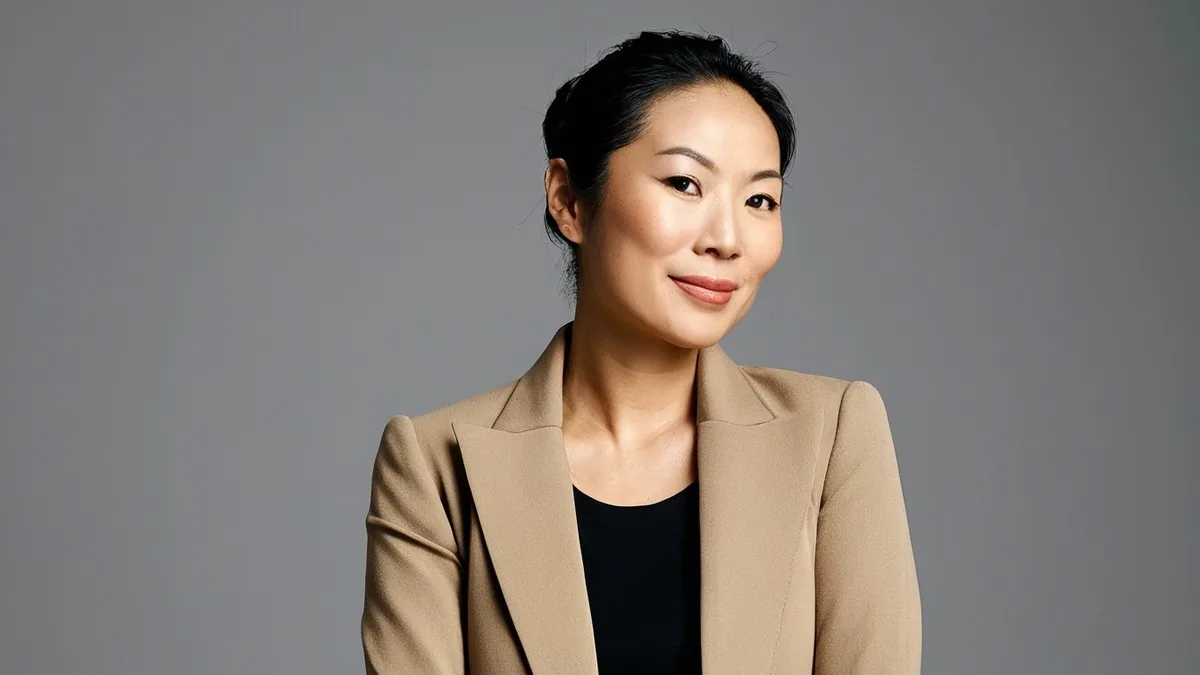
LiveJasmin Profile Photo Guide
The photo is your shop sign. Here's how to get it right without a photographer.
LiveJasmin's photo rules in one line
At least 1600 x 1200 pixels, JPG, only you in the shot, sharp, non-explicit, "magazine cover" quality, shot somewhere that doesn't look like a kitchen or living room, with your face uncropped unless you use Hide My Face.
Why the first photo matters
You cannot go online on LiveJasmin without an approved profile photo, and it's the first thing members see in the model list. A rejected photo costs you a day; a mediocre approved one costs you visitors every day after.
The common rejections and their fixes
| Rejection | What it usually means | Fix |
|---|---|---|
| Blurry or low resolution | Phone shot in dim light, or a crop of a small image | Shoot in daylight or under your key light; use the rear camera; export full size |
| Casual background | Kitchen, living room, unmade bed, laundry in frame | Shoot against a plain wall, a styled corner or your streaming set |
| Cropped face | Top of head or chin cut off | Leave space above your head; frame from mid-chest up or wider |
| Other people or animals | Anyone else in the frame, even partly | Solo shot only |
| Explicit | Nudity or explicit pose | Profile photos must be non-explicit; save that for paid areas |
| Filters, text, watermark | Beauty filter, sticker, logo or your social handle | Clean, unedited apart from basic light correction |
How to shoot it yourself
- Use the rear camera on a tripod or propped up, with a self-timer or remote. It's far sharper than the front camera.
- Face a window or your key light. Light falls on you, never from behind you.
- Frame landscape (wider than tall) so it fits the 1600 x 1200 shape without cropping your head.
- Choose an outfit you'd wear in your free chat. Solid colours photograph better than busy prints.
- Take thirty shots, change your angle slightly every few, and pick the sharpest one where your expression looks relaxed.
- Check at 100% zoom on a computer. If your eyes aren't crisp, reshoot.
- Strip the location data. Most phones embed GPS in photos. Turn off location for the camera app, or export a copy without it.
Privacy check before upload: nothing in the background should reveal where you live. Look for mail, a recognisable view, school or work items, tattoos you'd rather keep private, and reflections in mirrors or glasses.
If you use Hide My Face
Frame from the shoulders down or with your face turned fully away, and keep that rule in every photo, video and stream from then on. LiveJasmin treats an accidental reveal as a breach of the setting.
Paid link. If you register as a LiveJasmin model after using this button and go on to earn, LiveJasmin pays this handbook a referral fee. It comes out of LiveJasmin's share, never yours.
Questions people ask
What size should a LiveJasmin profile picture be?
At least 1600 x 1200 pixels in JPG format, according to LiveJasmin's profile-picture rules.
Why was my LiveJasmin profile photo rejected?
The usual reasons are blur or low resolution, a casual room such as a kitchen or living room, a cropped face, other people in the frame, filters or watermarks, or explicit content.
Can my LiveJasmin profile picture be explicit?
No. Profile photos must be non-explicit.
Can I use a selfie as my profile photo?
You can, but front-camera selfies are often too soft. A rear-camera shot on a tripod with good light is more likely to pass.